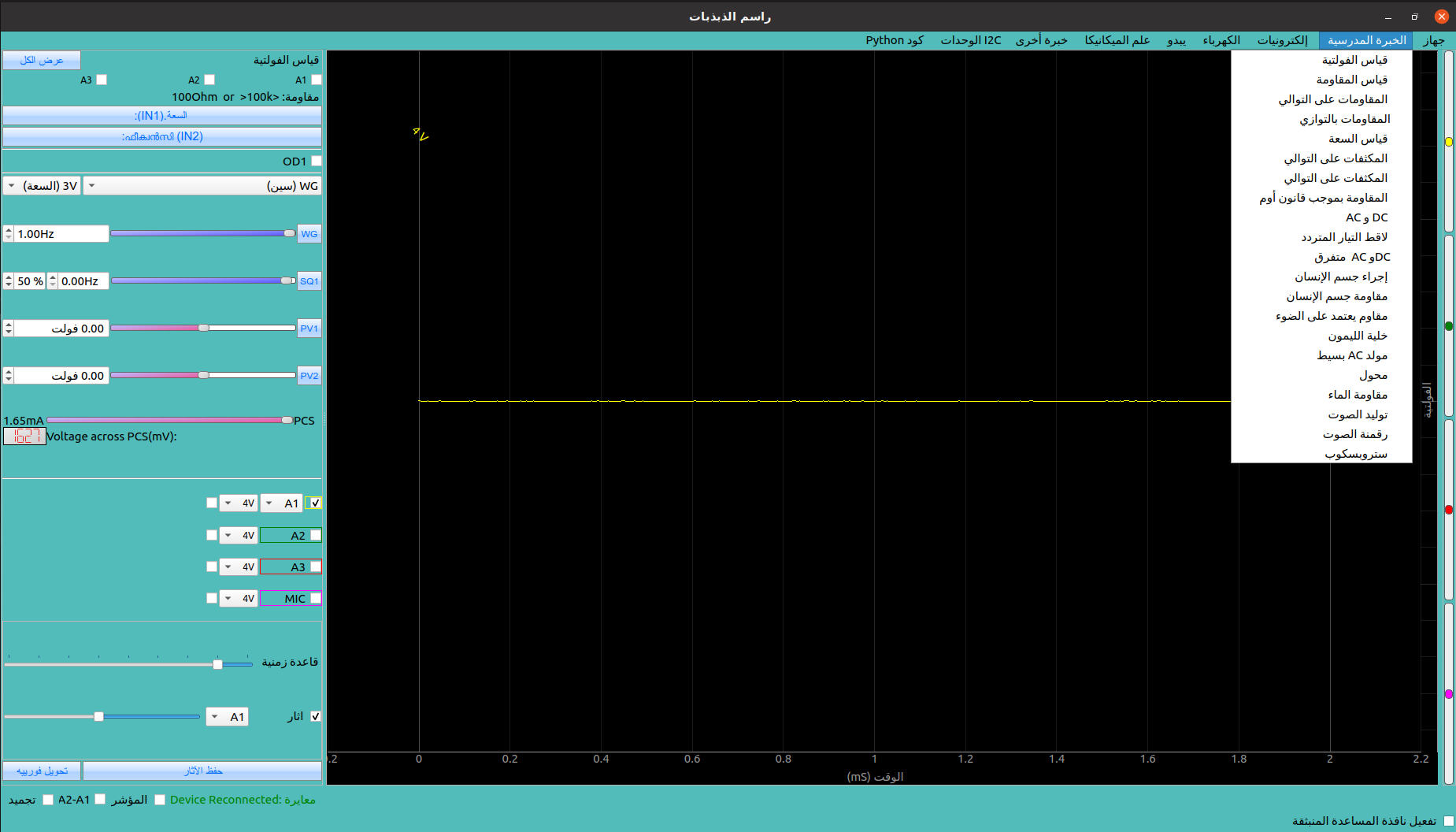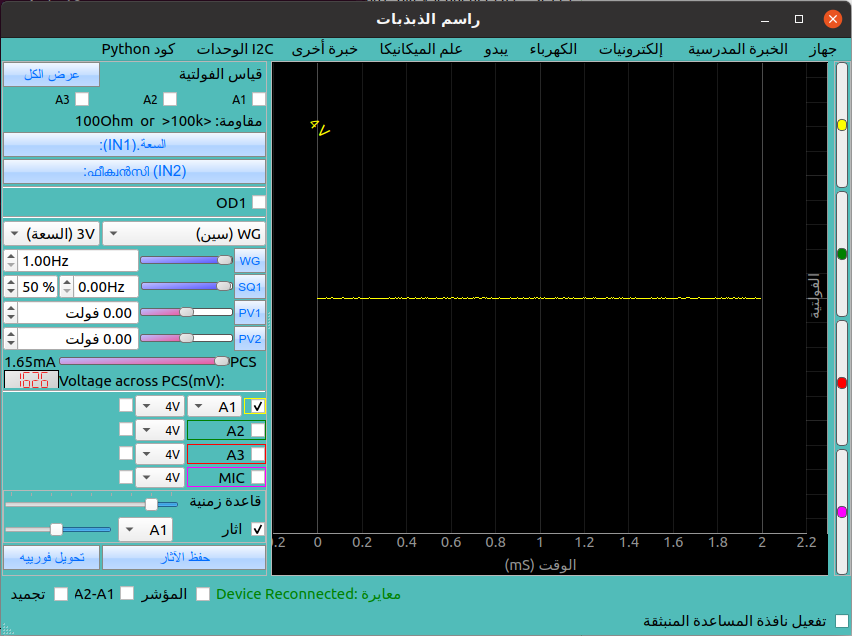
Install dependencies
sudo apt install qttools5-dev-tools
Quick Start
- navigate to
expeyes-programs/eyes17/lang - create new .ts file. e.g. , for arabic the locale is called ar
touch ar.ts- make clean
- make
- linguist ar.ts
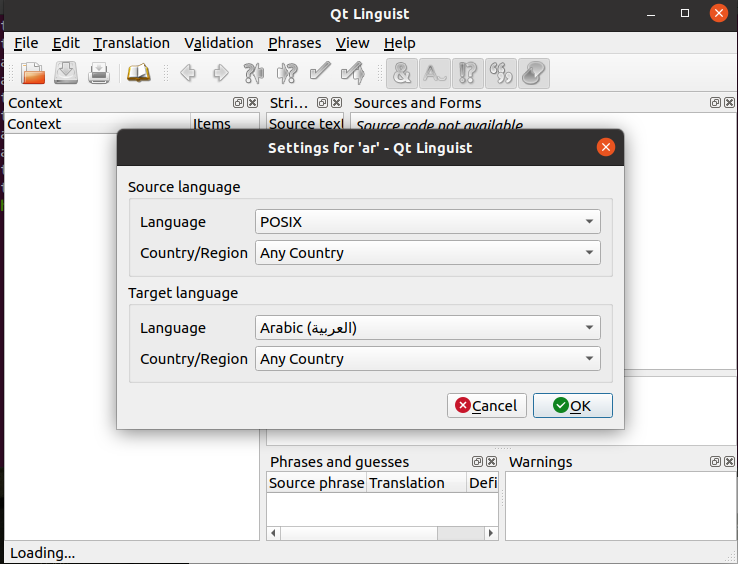
Set the target language when linguist prompts you
Select each phrase and input the translation
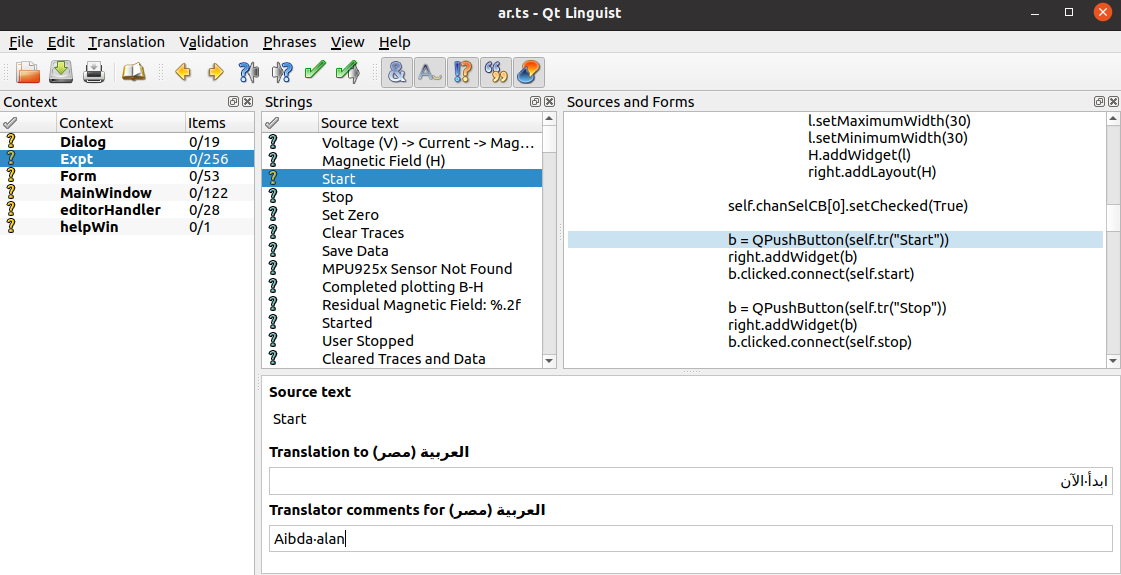
ar.ts file after setting start text
1
2
3
4
5
6
<message>
	<location filename="../thermocouplelogger.py" line="103"/>
	<source>Start</source>
	<translatorcomment>Aibda alan</translatorcomment>
	<translation type="unfinished">ابدأ الآن</translation>
</message>
Add new language as an option in language.py
open eyes17/language.py and modify the language array
1
2
3
4
5
6
7
8
9
10
11
12
13
14
15
16
17
languages = [
    Language('fr_FR', 'French',    'Français', locales),
    Language('en_IN', 'English',   'English',  locales),
    Language('es_ES', 'Spanish',   'Español',  locales),
    Language('ml_IN', 'Malayalam', 'മലയാളം',  locales),
    Language('ta_IN', 'Tamil',     'தமிழ்',    locales),
    Language('te_IN', 'Telugu',    'తెలుగు',    locales),
    Language('mr_IN', 'Marathi',   'मराठी',     locales),
    Language('gu_IN', 'Gujarati',  'ગુજરાતી',    locales),
    Language('kn_IN', 'Kannada',   'ಕನ್ನಡ',     locales),
    Language('bn_IN', 'Bengali',   'বাংলা',     locales),
    Language('pa_IN', 'Punjabi',   'ਪੰਜਾਬੀ',     locales),
    Language('or_IN', 'Oriya',     'ଓଡ଼ିଆ',     locales),
    Language('hi_IN', 'Hindi',     'हिन्दी',      locales),
    Language('ar_BH', 'Arabic',     'العربية',      locales)
    ]
Arabic has now been added courtesy Zuhair Ali K and Dr Shahin