Introduction
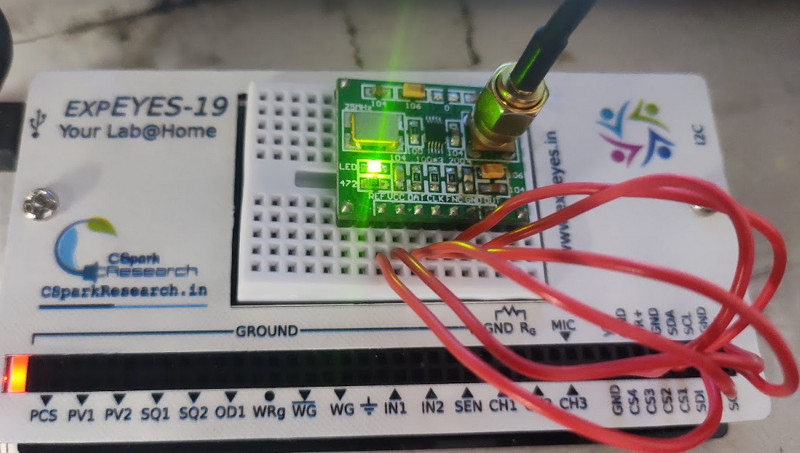
The AD9833 must be connected to expeyes via the SPI pins. The control can be accessed from the ‘SHOW ALL’ button in the oscilloscope. Connections are as follows
- SCK -> CLK
- SDO -> DAT
- CS1 -> FNC
- 5V -> VCC
- GND -> GND
Connect the output to an oscilloscope to view the 0.6V p2p signal.
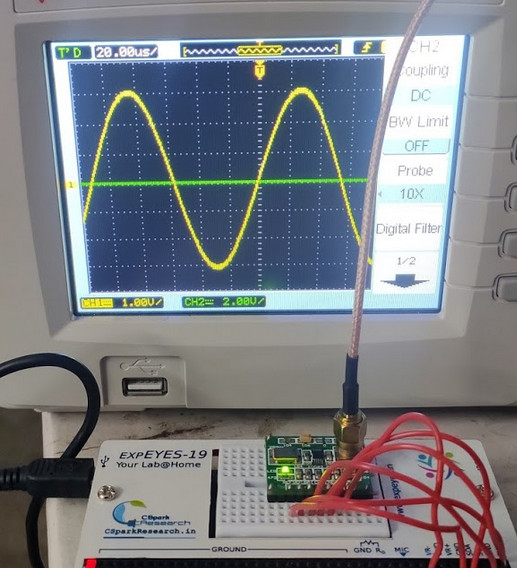
Testing the wavegen with an oscilloscope
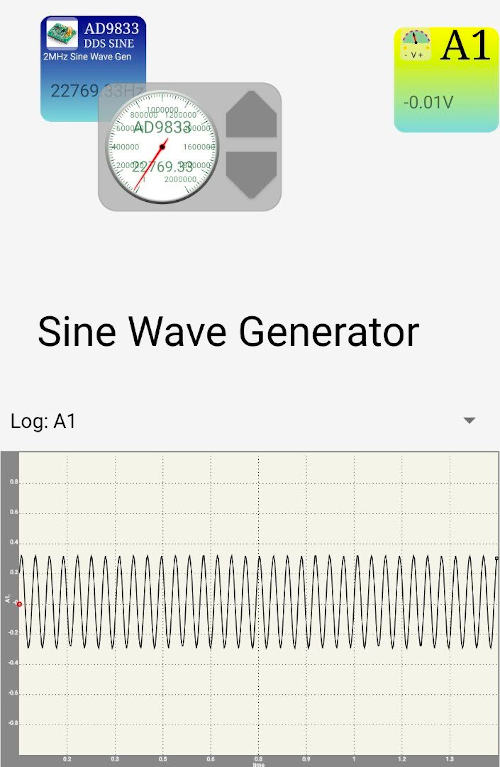
AD9833 with the Android App
It’s pretty easy to hook up this DDS with the android app. Simply create an svg file and
- add text called AD9833
- You can add more parameters such as min, max, value, stepsize etc to the description of AD9833 text element to customize it
- If you wish to enable a single channel oscilloscope for monitoring purposes, add text called A1
- Set the description of A1 to the following
1
2
3
4
5
6
7
8
logging=true
mode=scope
xaxis=time
y1=A1
NS=500
TG=3
ymin=-1
ymax=1
- Open this svg file with the ExPEYES17 android app
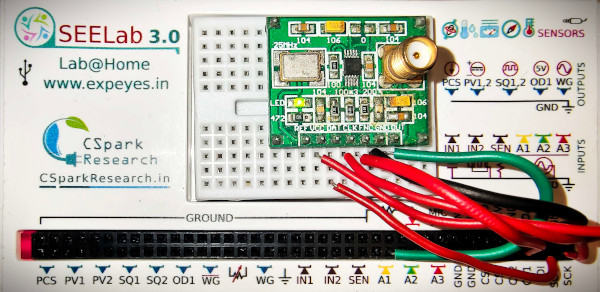
Touch and drag on the AD9833 block to adjust the frequency